Scan it in against the PO.
Scan UPCs to count a delivery in, record condition as you go, receive part of an order when the rest is late, and carry freight into landed cost.

One inventoryStockXGOATeBayShopifySquareWhatnotKICKS CREWStadium Goods
Receiving, put-away, picking, packing and counts on one inventory, on the floor and on the phone.
Seven stations, one system, on the floor and on the phone.
Scan UPCs to count a delivery in, record condition as you go, receive part of an order when the rest is late, and carry freight into landed cost.
Scan the shelf, then each pair’s label. Bins have a walk order. You decide whether stock waits to be put away before it can list.
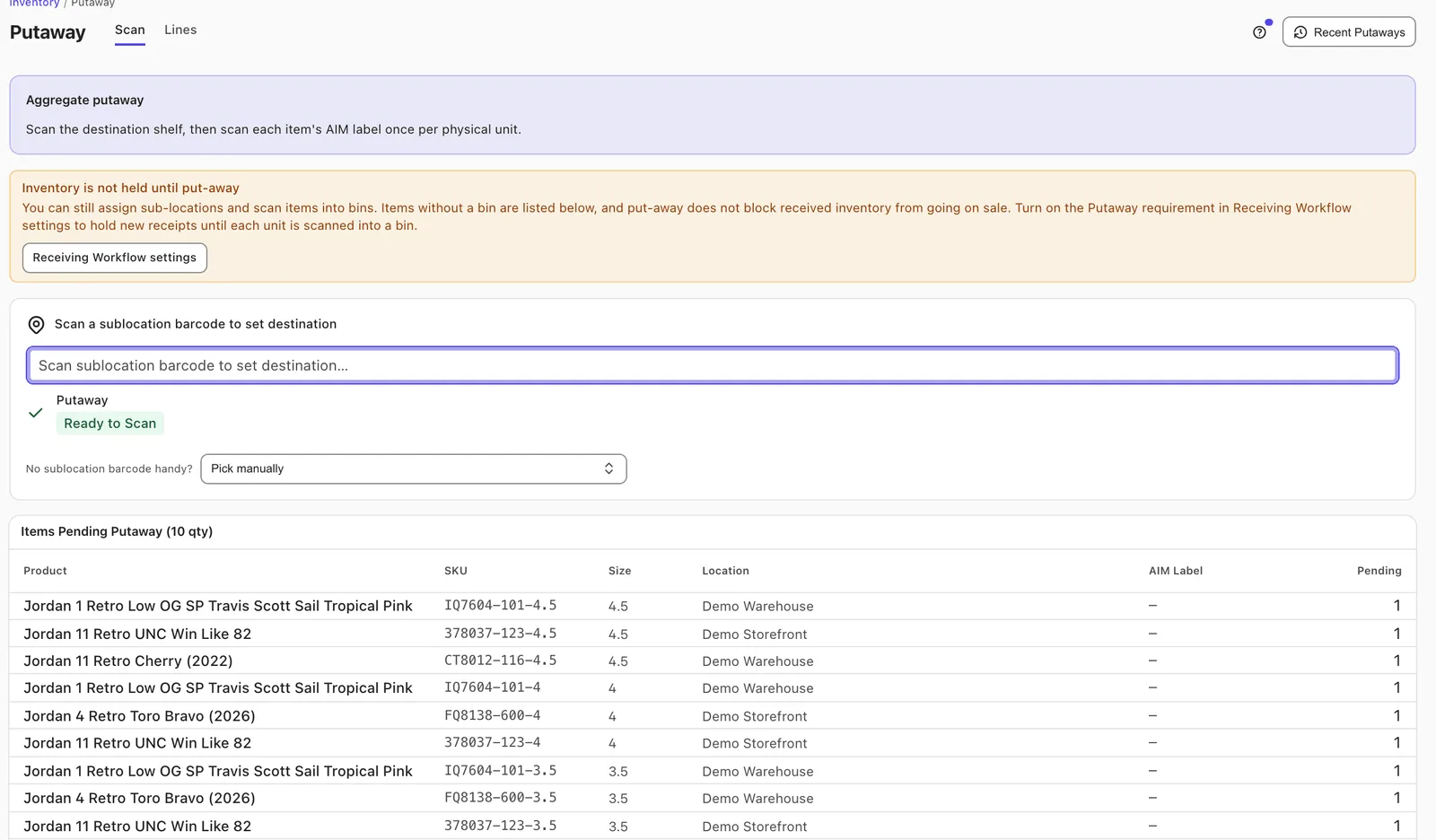
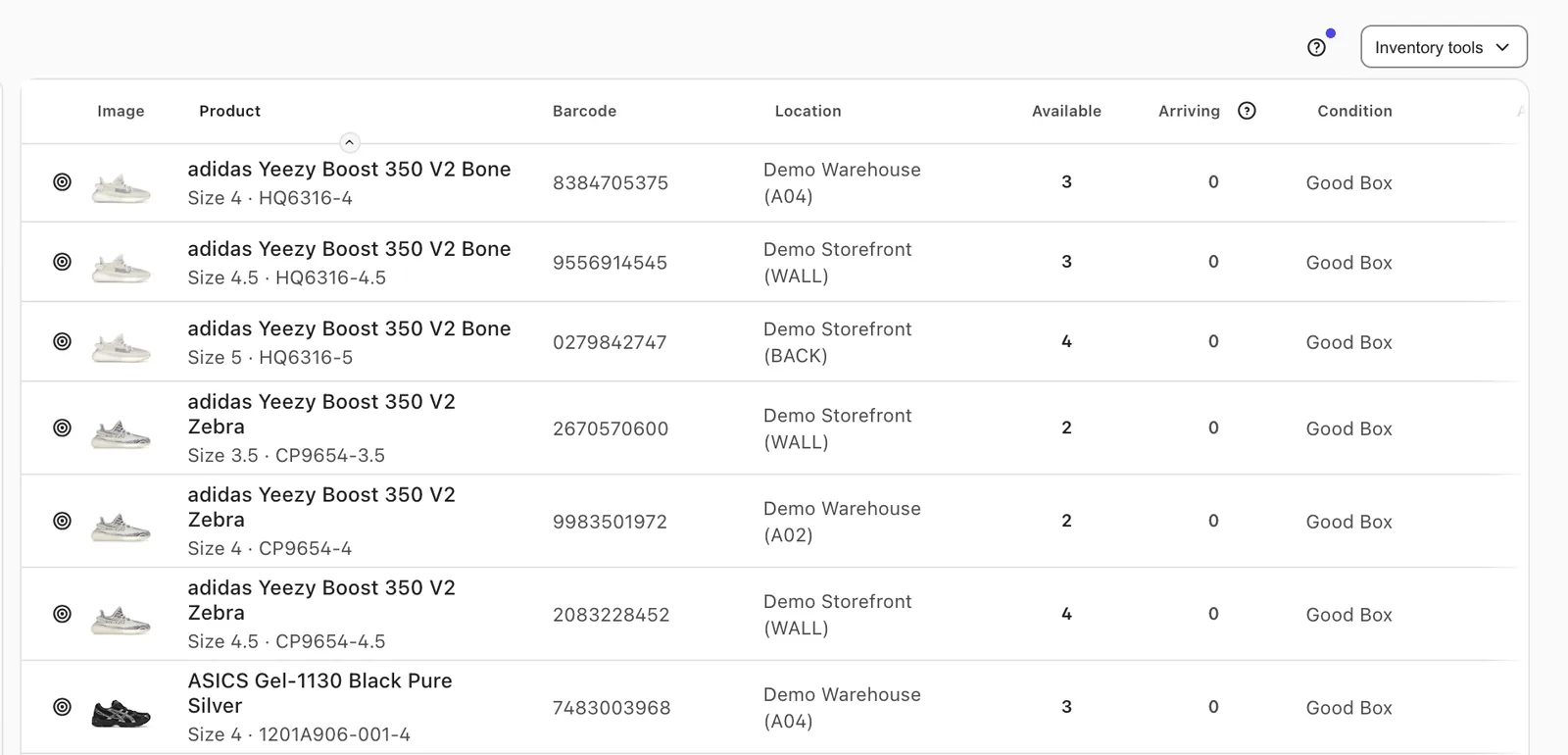
Each pair carries its own cost, condition, location and history, so you can answer “where is it and what did it cost” for one pair, not just a SKU.
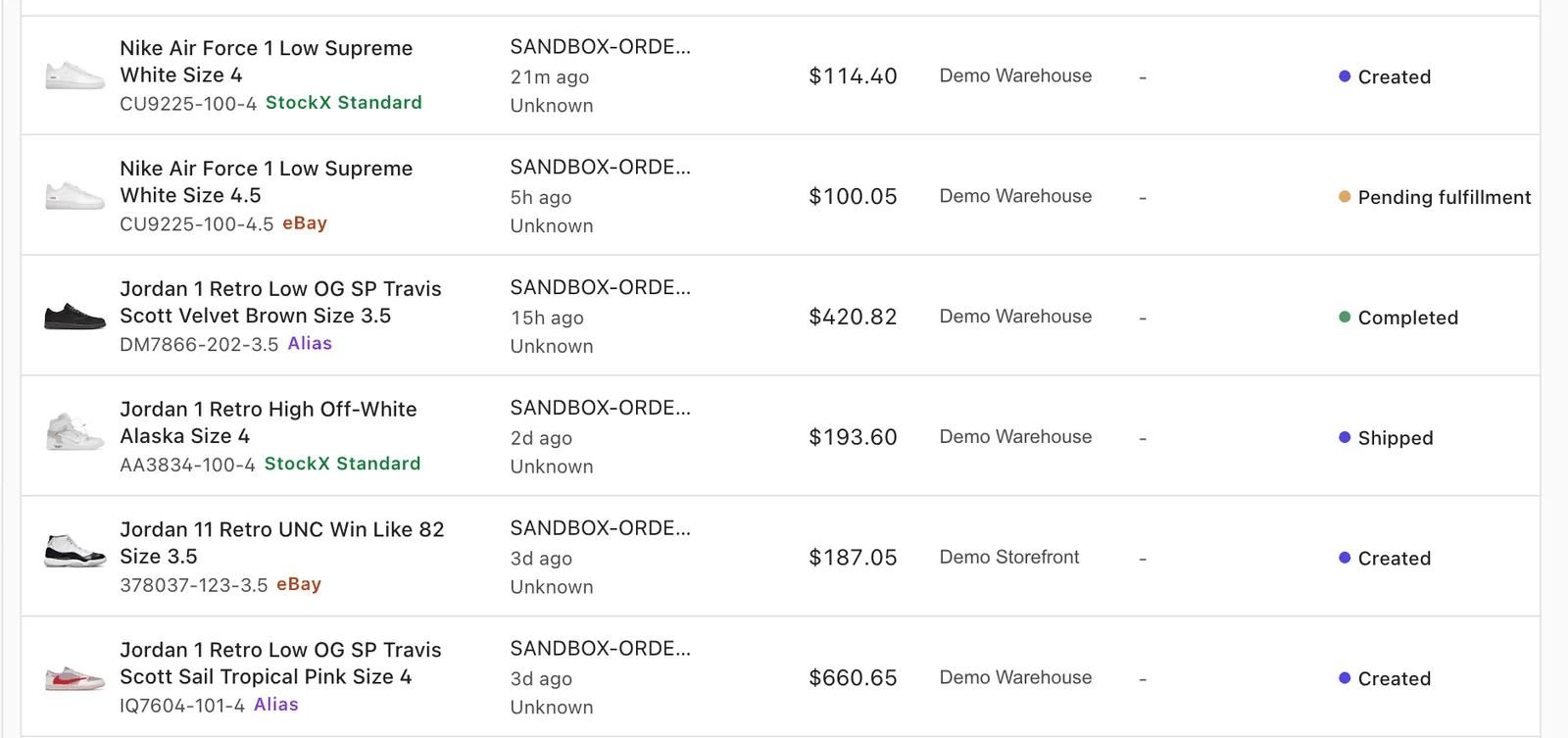
StockX, GOAT, eBay and Shopify connect directly. When a pair sells on one channel, AIM updates quantity on the others and delists it everywhere once the last pair is gone.
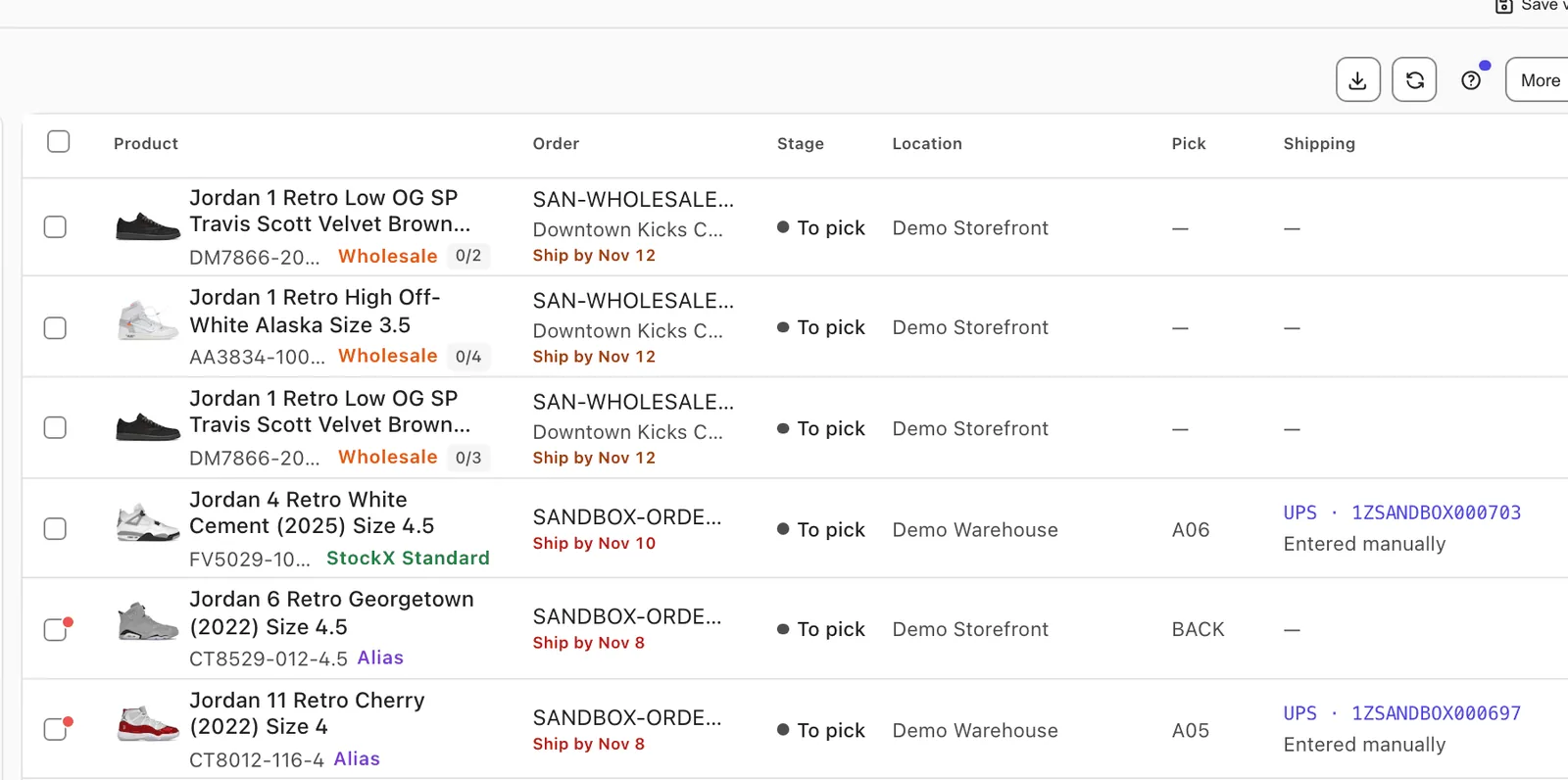
The pick queue follows your bin walk order, so staff walk the shelf once. If a pair is missing or damaged, they report it with Can’t pick instead of guessing.
On every marketplace order, the order packs itself when both match. A wrong pair is flagged at the bench, before it reaches a customer.
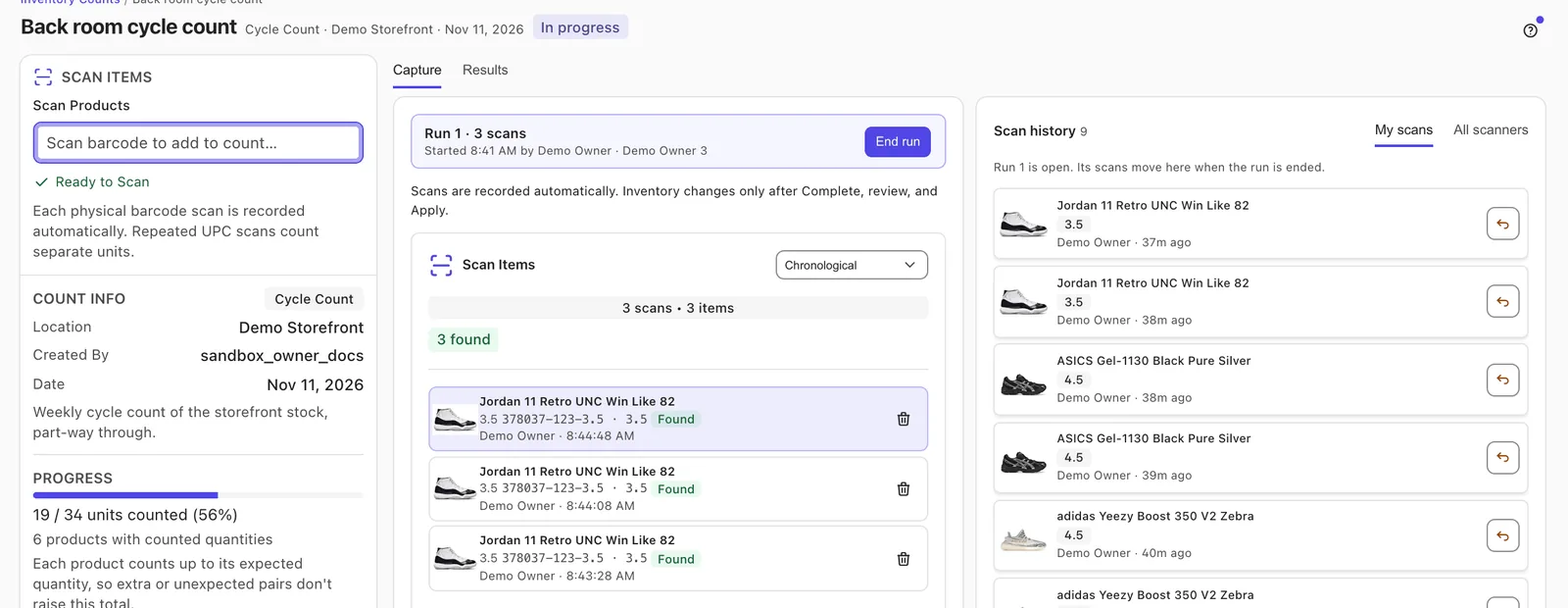
Run cycle or full counts from a phone or scanner. Variances wait for review, so nothing changes in inventory until someone applies it.
On every marketplace order, the order packs itself when both match. A wrong pair is flagged at the bench, not by your customer three days later.
Listing tools cover one moment in a pair’s life. AIM runs the floor around it.
Book a demo and we’ll show you AIM, then help you move your inventory over from a spreadsheet, Copyt or Consignr.